
OpenClaw 配合Ollama本地部署,超级简单一看就会!!

OpenClaw 配合 Ollama 本地部署,超级简单一看就会!!
还在为调用云端大模型花销大而烦恼吗?还在担心数据隐私问题吗?
今天教大家如何用 OpenClaw + Ollama 打造完全本地化的 AI 助手,所有数据都在本地运行,安全又省钱!
什么是 Ollama?
Ollama 是一个让你在本地运行大语言模型的工具。它支持 Llama 2、Llama 3、Mistral、Gemma 等众多开源模型,无需 GPU 也能运行(当然有 GPU 效果更好)。
官方网站:https://ollama.com
准备工作
1. 安装 Ollama
macOS / Linux:
curl -fsSL https://ollama.com/install.sh | bash
Windows:
直接去 https://ollama.com 下载安装包
2. 下载模型
安装完成后,下载你需要的模型:
# 推荐:下载 Llama 3(8B 参数,一般配置够用)
ollama pull llama3

# 或者下载 Mistral(性能不错)
ollama pull mistral

# 配置低的可以选 qwen(阿里开源,中文效果好)
ollama pull qwen:7b
3. 验证 Ollama 运行
# 启动 Ollama 服务(一般安装后自动启动)
ollama serve

# 测试模型
ollama run llama3
看到模型能正常对话就 OK 了!
OpenClaw 配置
1. 找到配置文件
OpenClaw 的配置文件在 ~/.openclaw/openclaw.json
2. 添加 Ollama 作为自定义 Provider
在配置文件中添加以下内容:
{
  models: {
    providers: {
      ollama: {
        type: "openai",  // Ollama 兼容 OpenAI API
        baseUrl: "http://localhost:11434/v1",
        api: "key",
        defaultHeaders: {
          "Content-Type": "application/json"
        }
      }
    }
  },
  agents: {
    defaults: {
      model: {
        primary: "ollama/llama3"
      },
      models: {
        "ollama/llama3": {
          // 支持的参数
        },
        "ollama/mistral": {},
        "ollama/qwen:7b": {}
      }
    }
  }
}
3. 完整配置示例
{
  models: {
    providers: {
      ollama: {
        type: "openai",
        baseUrl: "http://localhost:11434/v1"
      }
    }
  },
  agents: {
    defaults: {
      model: {
        primary: "ollama/llama3",
        fallbacks: ["ollama/mistral"]
      },
      models: {
        "ollama/llama3": {
          description: "Meta Llama 3, 8B 参数"
        },
        "ollama/mistral": {
          description: "Mistral 7B, 性能强劲"
        },
        "ollama/qwen:7b": {
          description: "阿里 Qwen 7B, 中文效果好"
        }
      }
    }
  }
}
4. 重启 OpenClaw
# 重启 Gateway
openclaw gateway restart

# 查看模型状态
openclaw models status
常见问题
Q1: 模型加载慢怎么办?
首次加载模型会比较慢,因为需要下载模型文件。可以在后台保持 Ollama 运行,避免每次重启。
# 让 Ollama 保持运行
nohup ollama serve &
Q2: 显存不够怎么办?
选择 smaller 的模型:
– llama3:8b → 需要约 8GB 显存
– mistral:7b → 需要约 8GB 显存
– qwen:7b → 需要约 8GB 显存
– llama3:70b → 需要约 40GB 显存(普通机器跑不动)
Q3: 如何查看有哪些模型?
ollama list
Q4: 响应速度慢?
本地模型响应速度取决于:
– 模型大小
– 显存/内存速度
– CPU 性能
建议使用量化模型(带 :q4_K_M 等后缀),速度更快。
Q5: OpenClaw 找不到模型?
确保:
1. Ollama 正在运行:ollama serve
2. 配置的模型已下载:ollama list
3. baseUrl 正确:http://localhost:11434/v1
进阶:多模型切换
配置多个 fallback:
{
  agents: {
    defaults: {
      model: {
        primary: "ollama/llama3",
        fallbacks: ["ollama/qwen:7b", "ollama/mistral"]
      }
    }
  }
}
这样如果 llama3 不可用,会自动切换到下一个模型。
总结
通过 Ollama 本地部署,你可以:
- ✅ 省费用:完全免费,无需 API Key
- ✅ 保隐私:数据不出本地
- ✅ 可定制:自由选择模型
- ✅ 更稳定:不依赖网络
快去试试吧!有任何问题随时来问~

交个朋友,加我入群,交流前沿AI和网络安全技术

itadol5j
暂无介绍....
延伸阅读:
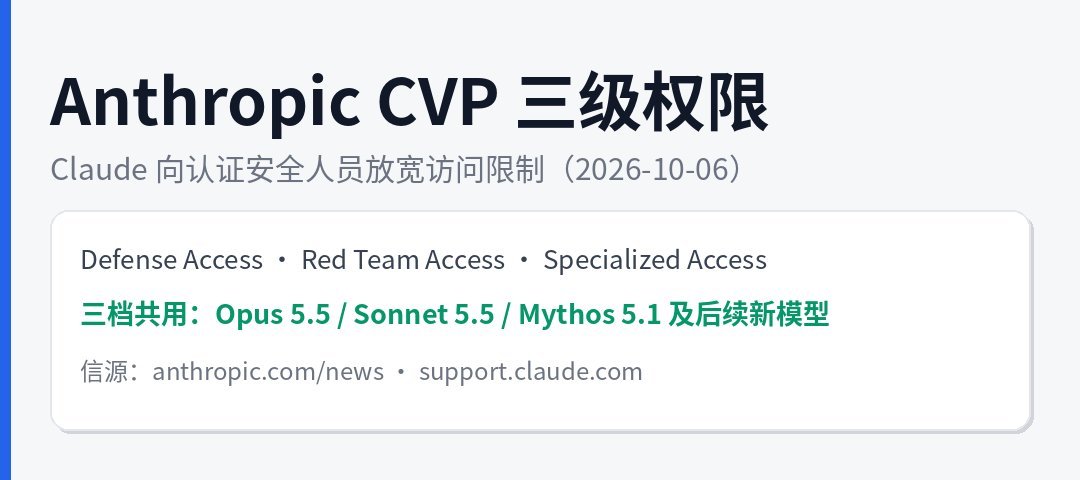
Anthropic 放宽 Claude 访问限制:向认证安全人员开放 CVP 三级权限,红队档近乎零拦截
2026 年 10 月 6 日,Anthropic 宣布扩展其 Cyber Verification Program(C...

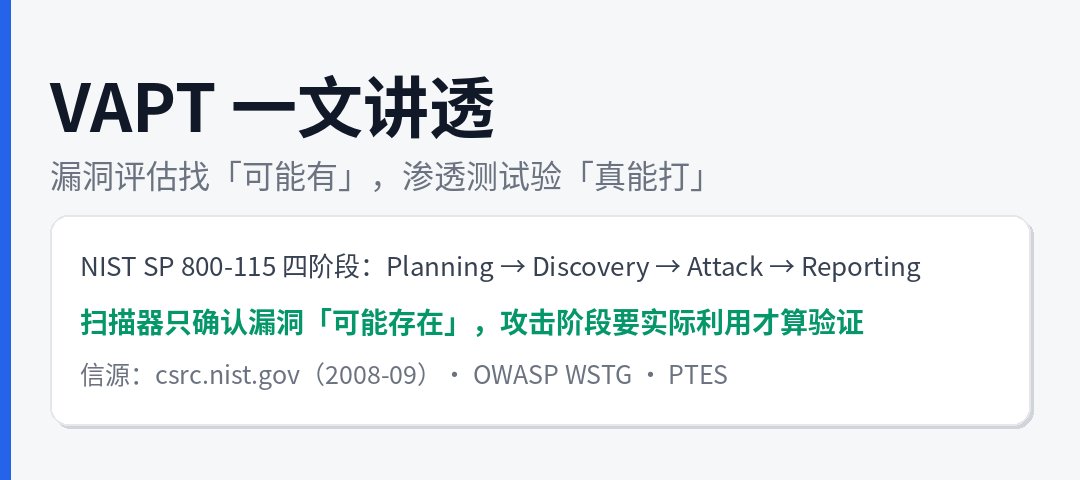
VAPT 到底是做什么的?NIST SP 800-115 拆解漏洞评估与渗透测试的边界
安全圈里 VAPT(Vulnerability Assessment and Penetration Testing,漏...

AIAIA 是什么?港府《伦理人工智能框架》里的 AI 应用影响评估模板拆解
做 AI 治理文档的人大概都见过这个词:AIAIA——AI Application Impact Assessment,...
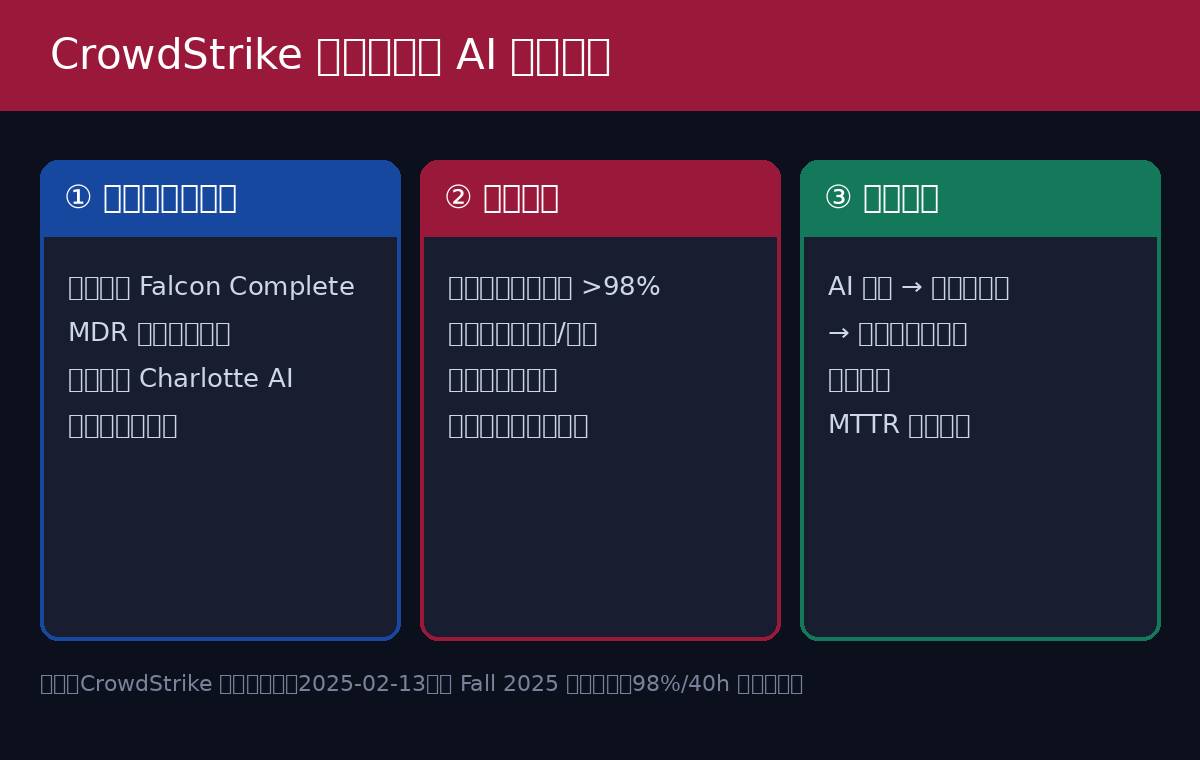
安全圈都在谈Agentic SOC:CrowdStrike 凭什么敢让 AI 做判断?
最近半年,安全圈的会议圆桌、厂商发布会、甲方 CISO 的朋友圈,出现频率最高的词大概就是 Agentic SOC(代理...
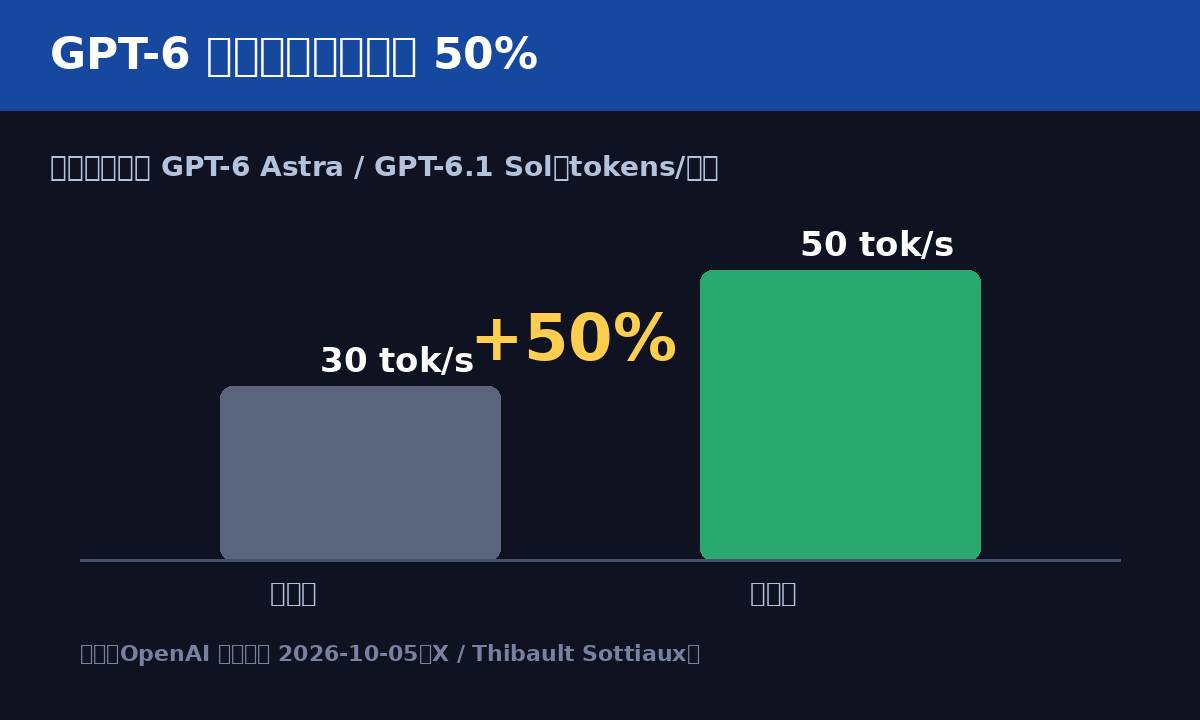
ChatGPT 推出文字水印,GPT-6 提速 50%
很少有 AI 厂商敢笃信「以数量换质量」,OpenAI 偏偏是其中之一。继当年连开 12 天发布会之后,10 月 5 日...